Sui gas bill
Get a duplicate Sui gas bill
Lost your SNGPL or SSGC bill? You don't need the paper copy — enter your consumer number to open the official bill, then download or print a duplicate to pay. Free, no sign-up.
Step by step
Recover your bill in four steps
- 1
Find your consumer number
It's the 11-digit number (SNGPL) printed at the top of any past bill, labelled Consumer No. / Customer ID. For SSGC use your customer number.
- 2
Open the official bill
Use the bill check below — pick SNGPL or SSGC, enter the number, and we open your bill directly on the gas company's own portal.
- 3
View the latest bill
The portal shows your current month's bill with the amount due and due date — the same document as the paper copy you lost.
- 4
Download or print
Save the PDF or print it from the portal. That printout is accepted at banks, ATMs and franchise counters for payment.
What you can do
View, save, print, or pay
No paper bill needed
You only need your consumer number — any old bill, an SMS, or your gas meter card will have it.
Download a PDF copy
The official portal lets you save the bill as a PDF to keep, email, or pay online.
Print to pay at a bank
A printed duplicate works at any designated bank branch, ATM, or franchise office.
Or pay digitally
Once you can see the bill, pay via JazzCash, EasyPaisa, internet banking or the portal — no print needed.
FAQ
Duplicate bill, answered
You don't need the lost paper copy. Open the bill check, pick SNGPL or SSGC, and enter your consumer number — the official portal shows the current bill, which you can download or print as your duplicate.
Your 11-digit SNGPL consumer number (or SSGC customer number) appears on any older bill, on SNGPL/SSGC payment SMS messages, and on your meter card. Once you have it, you never need the paper bill again.
Yes. The PDF or printout from the official SNGPL/SSGC portal is the same bill as the paper copy and is accepted at banks, ATMs, franchise counters, and for online payment.
No. Getting your duplicate is free, and Cylin is independent — not affiliated with SNGPL, SSGC, or OGRA. We only open the official portal; your consumer number is never stored.
Cylin is an independent LPG service and is not affiliated with SNGPL, SSGC, or OGRA.

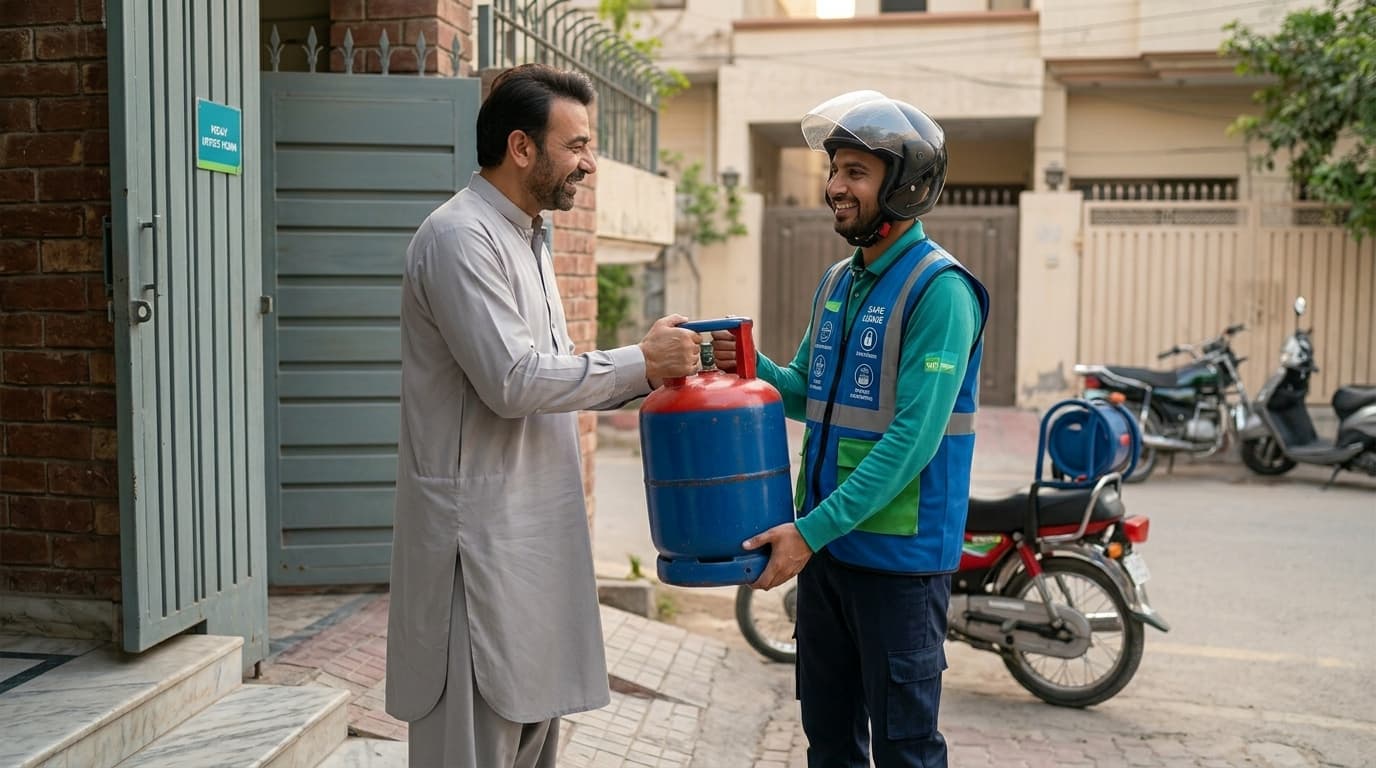
Gas chahiye? Abhi mangwao.
A full, sealed, verified cylinder at your door — order on WhatsApp, at today's honest OGRA rate, with proof you can scan.
No app needed to order — WhatsApp is enough. Want live tracking and one-tap reorders? Get the app, free for households & drivers.