Sui gas bill
How to pay your Sui gas bill
Pay your SNGPL or SSGC bill any way you like — JazzCash, EasyPaisa, your bank app, an ATM, or in person. Open your official bill first to get the exact amount due.
Ways to pay
Pick what's easiest for you
JazzCash & EasyPaisa
Open the app → Bill Payments → Gas (SNGPL / SSGC) → enter your consumer number → pay. Works 24/7 from your phone.
Bank app & internet banking
Most bank apps list SNGPL/SSGC under Utility / Gas bill payments. Add your consumer number once and pay each month in seconds.
ATM & over-the-counter
At a 1LINK ATM choose Bill Payment → Gas and enter your consumer number, or pay cash at a designated bank branch or franchise.
Online portal & 1Bill
The official SNGPL/SSGC portal and 1Bill-enabled apps accept card and account payments against your consumer number.
Step by step
Pay in four steps
- 1
Open your bill
Use the bill check to open your official SNGPL/SSGC bill and note the amount due, due date, and consumer number.
- 2
Pick a method
JazzCash, EasyPaisa, your bank app, ATM, or in person — all use the same 1Bill / consumer number to find the bill.
- 3
Enter your consumer number
In your chosen app, go to Bill Payments → Gas → SNGPL or SSGC, and enter the consumer number exactly as printed.
- 4
Confirm and keep the receipt
Pay before the due date and save the transaction ID or SMS — it's your proof of payment.
FAQ
Paying your bill, answered
Yes. In either app go to Bill Payments → Gas, choose SNGPL or SSGC, enter your 11-digit consumer number, check the amount, and pay. You'll get an instant confirmation SMS as your receipt.
Open your official bill first using the bill check — pick SNGPL or SSGC and enter your consumer number. The portal shows the exact amount due and due date, which every payment method then matches.
JazzCash, EasyPaisa, and bank-app payments update almost immediately and give you a transaction ID. Always keep that ID or the confirmation SMS until the next bill clears.
No. Cylin is independent and not affiliated with SNGPL, SSGC, or OGRA. We only help you open the official bill — payment happens entirely in your own bank or wallet app.
Cylin is an independent LPG service and is not affiliated with SNGPL, SSGC, or OGRA.

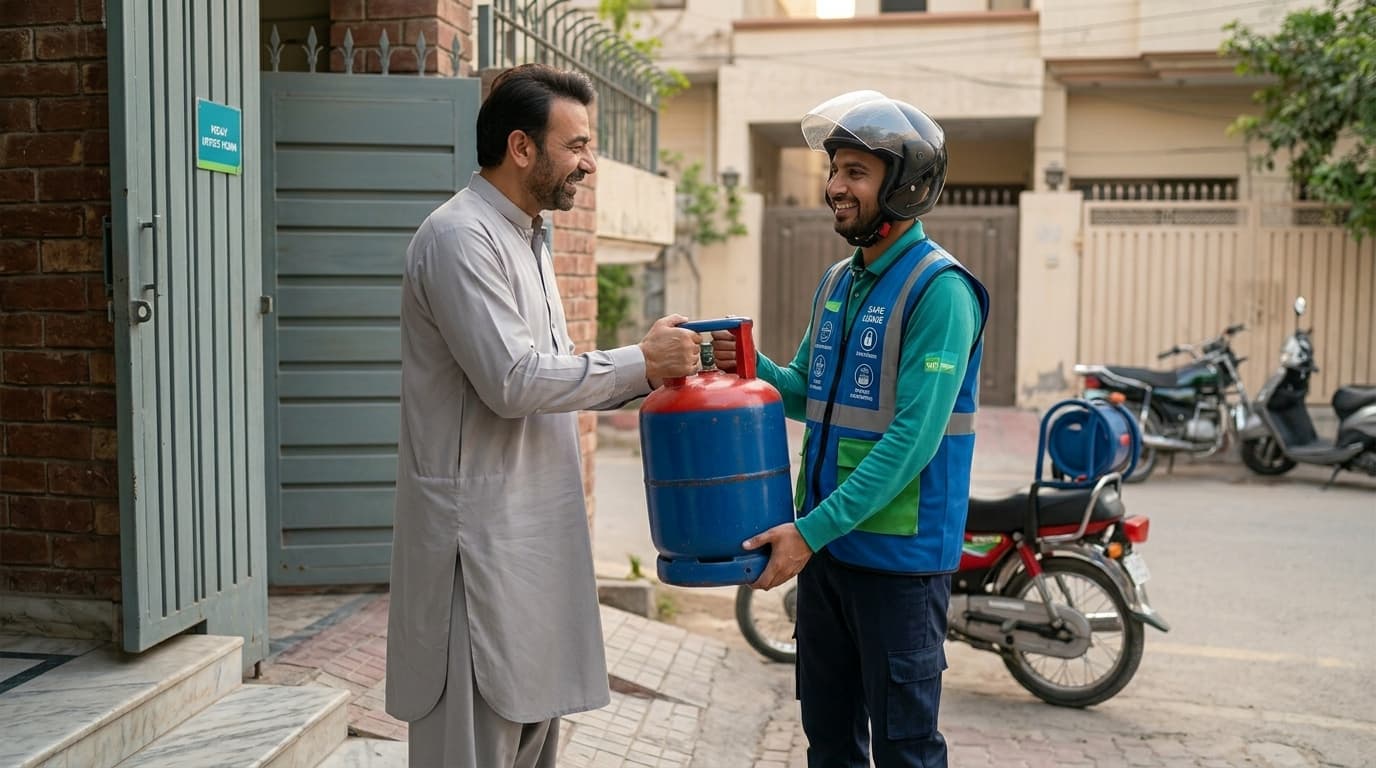
Gas chahiye? Abhi mangwao.
A full, sealed, verified cylinder at your door — order on WhatsApp, at today's honest OGRA rate, with proof you can scan.
No app needed to order — WhatsApp is enough. Want live tracking and one-tap reorders? Get the app, free for households & drivers.